
IT Contract Management Post-Award
€ 495 + VAT
Includes 38 video-based lessons, along with quizzes, practical tools, templates, and more.
Estimated completion time is 12–16 hours. Includes one year of course access.

Post Award from the Customer Perspective
This course is designed for professionals responsible for managing IT contracts after signature where the real value of the contract is either realized… or lost.
Focusing on the customer side, the course provides a practical, hands-on approach to managing IT agreements in the post-award phase. It goes beyond theory and legal frameworks, translating industry standards into real-world execution.
Participants will learn how to operate the contract day-to-day. From governance and stakeholder management to performance tracking, financial control, and change management. The course equips you with the tools, templates, and mindset needed to ensure that the contract delivers on its intended business value.
Curriculum
- 2.0 Introduction (2:29)
- 2.1 What is our role as IT Contract Manager? (10:34)
- 2.2 What do we need to know about laws and regulations? (12:55)
- 2.3 The Most Common IT Contract Types (10:45)
- 2.4 Contract phases (4:28)
- 2.5 What do we need to know about finance? (1:23)
- 2.5.1 What is a business case? (5:46)
- 2.5.2 Pricing models and cost control (5:20)
- 2.6 What are the most common pitfalls in IT Contracts? (11:23)
- 4.0 Introduction (1:38)
- 4.1 Record Keeping and Documentation (16:07)
- 4.2 Cost Management (1:10)
- 4.2.1 Payment and Invoice Validation (8:27)
- 4.2.2 Service credits and Incentives (10:03)
- 4.3 Manage Contract Risk (11:25)
- 4.4.0 Manage Contract Performance (1:23)
- 4.4.1 Manage contract obligations (16:50)
- 4.4.2 Manage Service Levels (13:18)
- 4.4.3 Test and Acceptance (6:37)
- 4.4.4 Conduct Contract Audit (4:35)
- 4.4.5 Customer Satisfaction Input (1:50)
- 4.5 Stakeholder Management (12:44)
- 4.6 Manage Contract Interpretation (13:28)
- 4.7 Manage Contract Changes (20:19)
- 4.8 Manage Contract Disputes (4:05)
- 4.9 Manage Renewal, extension or termination (12:33)
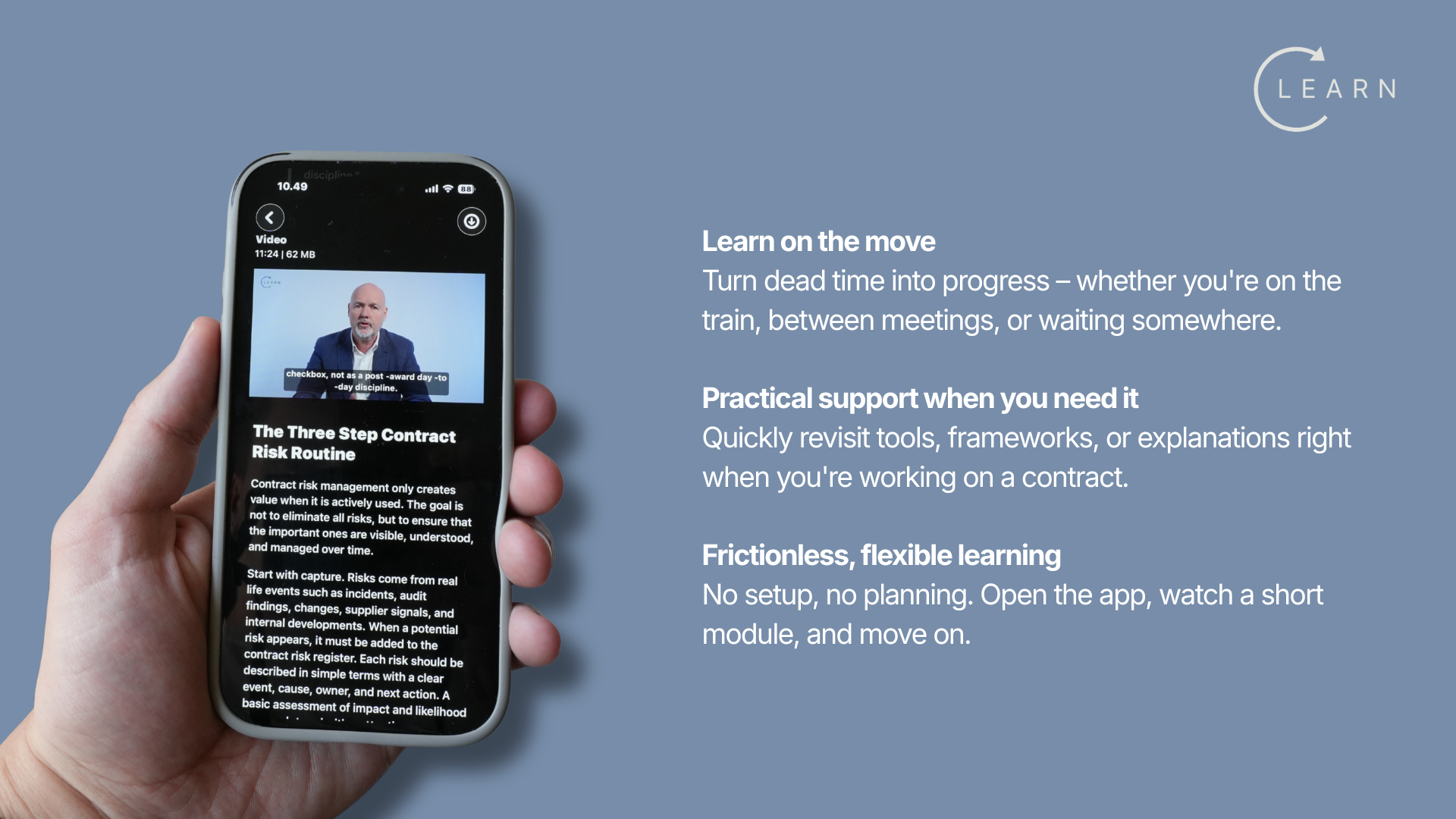
Download the Mobile App
The Teachable iOS & Android apps allows students to access their courses on the go.

Scan for IOS
- Open the App Store on your iOS device or scan the QR code.
- Search for Teachable
- Tap Get to download and install the app.
- Enter your Apple ID password or use Touch/Face ID if prompted.
Scan for Android
- Install the app. Get the Teachable app from the Google Play Store.
- Sign in with your email. Enter the email you use for your Teachable school(s) and follow the prompts to verify (one‑time code).
- Pick a school and course. If you’re enrolled in more than one school, choose the right school, then open your course.
- Continue where you left off. Your progress syncs with the web, so you can pick up the next lesson right away.